
A stamp image for your contract
Create a transparent stamp image for the signature or seal area of a contract.

Turn your Hangul name into a personal stamp for documents, journals and creative projects. Save it as a transparent PNG, ready to use.
I confirm the details above.

Choose a name in Hangul, a shape and a font. Then download your transparent PNG.
If a document calls for a stamp, you can use your image on a résumé, an application to a public agency or a competition entry form. It can also go on an internal approval form or a quotation for a client. Save your stamp as a transparent PNG, then place it where needed in a Word, Excel or PDF document.
Already have a stamp on paper? Remove the background from a photo and use that instead. Everything is processed in your browser; your photo is not uploaded to a server.
Check that the recipient accepts stamp images before submitting your document. Stampng creates images; for a verified electronic signature or signing a contract online, use a dedicated service.
Turn a name in Hangul into a transparent PNG. No design software required.
The name for your stamp
A shape that feels right
Compare and find your style
Transparent, no watermark
From classic circles to softer handmade borders: the same name in Hangul can take on a different look.
Create a stamp
Soft corners, handmade character
A familiar, balanced classic

A neat frame for clear lettering

An elegant vertical layout
Transparent PNG with a fictional name
Give business documents a clear, personal mark.
Create a transparent stamp image for the signature or seal area of a contract.
Prepare a stamp for internal approval documents, from purchase requests to expense forms.
Finish quotations and transaction statements with a stamp before sending them to clients.
Scanned or photographed a stamp on paper? Remove the paper background and save a transparent PNG for your documents.
If your insurance claim allows an image of your usual stamp in the paperwork, try removing the background from a photo. Check the insurer's document requirements before submitting.
Remove a stamp photo backgroundPhotos stay on your device, without uploading.
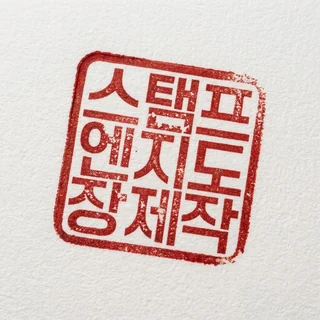 Stamp photo
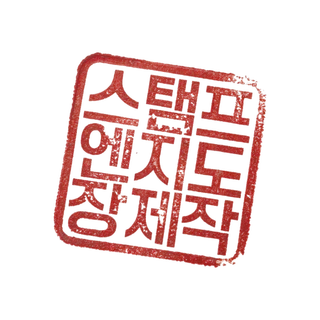 Transparent PNG
Yes. You can create and download a stamp PNG without an account or payment.
Previews have a watermark and an opaque background. The final file from Save PNG has a transparent background and no visible watermark.
Some viewers display transparent areas as white or black. Insert the original downloaded PNG, not a screenshot, into a document to check. Send it as a file to avoid image conversion in messaging apps.
Your name is sent to the API to generate the image, but is not recorded in usage statistics or application logs. Input and results are kept temporarily in this tab; recent and kept stamps may remain in My stamps in this browser. The server does not store a personal stamp archive.
First check how you want your name written in Hangul, then type or paste it here. Spellings vary with pronunciation. Stampng does not automatically translate or transliterate names.
Fonts marked Hangul · Hanja support some Hanja. Coverage varies and some characters may be unavailable. A non-Hanja font may be replaced by Noto Serif KR.
Choose a name in Hangul, a shape and a font. Then download your transparent PNG.